
C9300 and C9300X network module compatibility checklist
Select the host network module first, then verify optics and the complete fiber path.
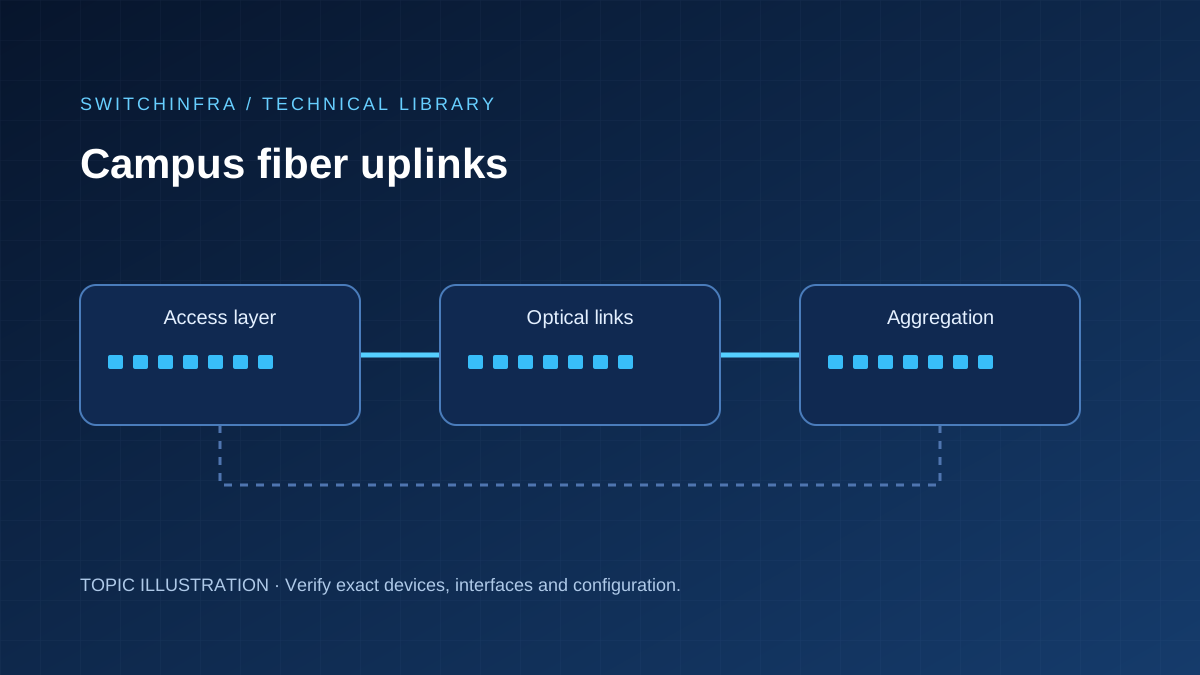
Select the host network module first, then verify optics and the complete fiber path.
Information to collect
Select the host network module first, then verify optics and the complete fiber path.
Provide the current host PID, software version, required interfaces and installation constraints before choosing replacements.
Selection checks
- C9300-NM and C9300X-NM modules have different host compatibility rules. Preserve the full part number when checking support.
- C9300X-24Y has SFP28 fiber downlinks; it is not a 24-port RJ-45 access switch.
- Match port mode, rate, optical standard, FEC and any breakout configuration at both ends.
Before deployment
- Check the host and software support matrix for each network module.
- Verify end-to-end link mode, optical power and error counters.
- Label patching and keep the accepted component list with the configuration.
Preparing a quotation request
Include the exact part numbers, quantities, required condition, included accessories and software entitlements. Identify the target equipment and any unresolved interface or configuration item. A product association is not a validated combination.
Related products
Topic associations; verify the complete configuration before ordering.
- Cisco C9300X-24Y-A 24-Port 25G Fiber Switch
- Cisco C9300X-NM-8Y 8-Port 25G Network Module
- Cisco C9300X-NM-8M 8-Port Multigigabit Network Module
- Cisco C9300X-NM-2C 2-Port 100G Network Module
- Cisco C9300-NM-2Q 2-Port 40G Network Module
- Cisco C9300-NM-4M 4-Port Multigigabit Network Module
- Cisco C9300-NM-8X 8-Port 10G Network Module
- Cisco C9300X-NM-4C 4-Port 100G Network Module
- Cisco C9300X-24Y-E 24-Port 25G Fiber Switch
- Cisco C9300-NM-4G 4-Port Gigabit Network Module
Sources
- Cisco Campus LAN and Wireless LAN — official reference
- Catalyst 9300 — official reference
- Cisco Introduces New Catalyst 9300X Switches Designed for the Need for Speed — official reference
- Catalyst 9300 : — official reference
- Cisco Catalyst 9300 — official reference
- Catalyst 9300 — official reference