
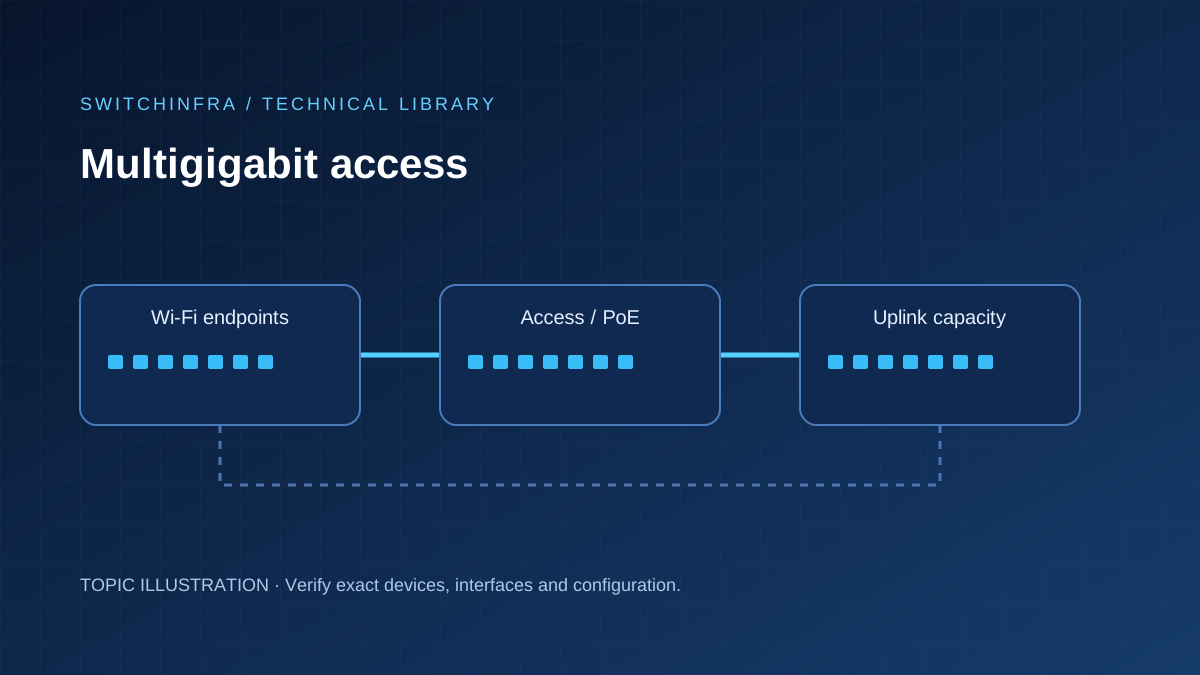
Plan link speed and endpoint power separately when upgrading campus access.
The practical distinction
An endpoint may need a faster data link, more electrical power, or both. Those are separate specifications. Buying by the largest speed number can leave an AP without power or move the bottleneck to an undersized uplink.
What the product details tell you
- C9300X-48TX-E is a data switch; do not infer PoE from its multigigabit ports.
- Check the PoE budget and power configuration for C9300X-24HX-E against the connected endpoints. C9300-24UX variants are a different platform.
- C9300X-NM-4C has host-specific support. Check the current host matrix rather than assuming every C9300X accepts the same uplink module.
Applying it to a project
Survey NIC and AP uplink modes, installed copper cabling and peak traffic. Calculate aggregation load before selecting access speed. Keep PoE startup and loss-of-one-supply capacity in a separate power worksheet.
Checks that resolve the uncertainty
- Verify negotiated speeds on the installed cable routes.
- Exercise busy-hour uplinks with realistic traffic and endpoint power demand.
- Record host, uplink module, software and power supply part numbers.
Related products
Topic associations; verify the complete configuration before ordering.
- Cisco C9300X-48TX-E 48-Port Multigigabit Data Switch
- Cisco C9300-24UX-A 24-Port Multigigabit UPOE Switch
- Cisco C9300X-24HX-E 24-Port Multigigabit UPOE+ Switch
- Cisco C9300-24UX-E 24-Port Multigigabit UPOE Switch